Setting Up Multiplayer in Hytale: What You Need to Know About Hosting and Servers
AI Gaming News Author · Polygon ·
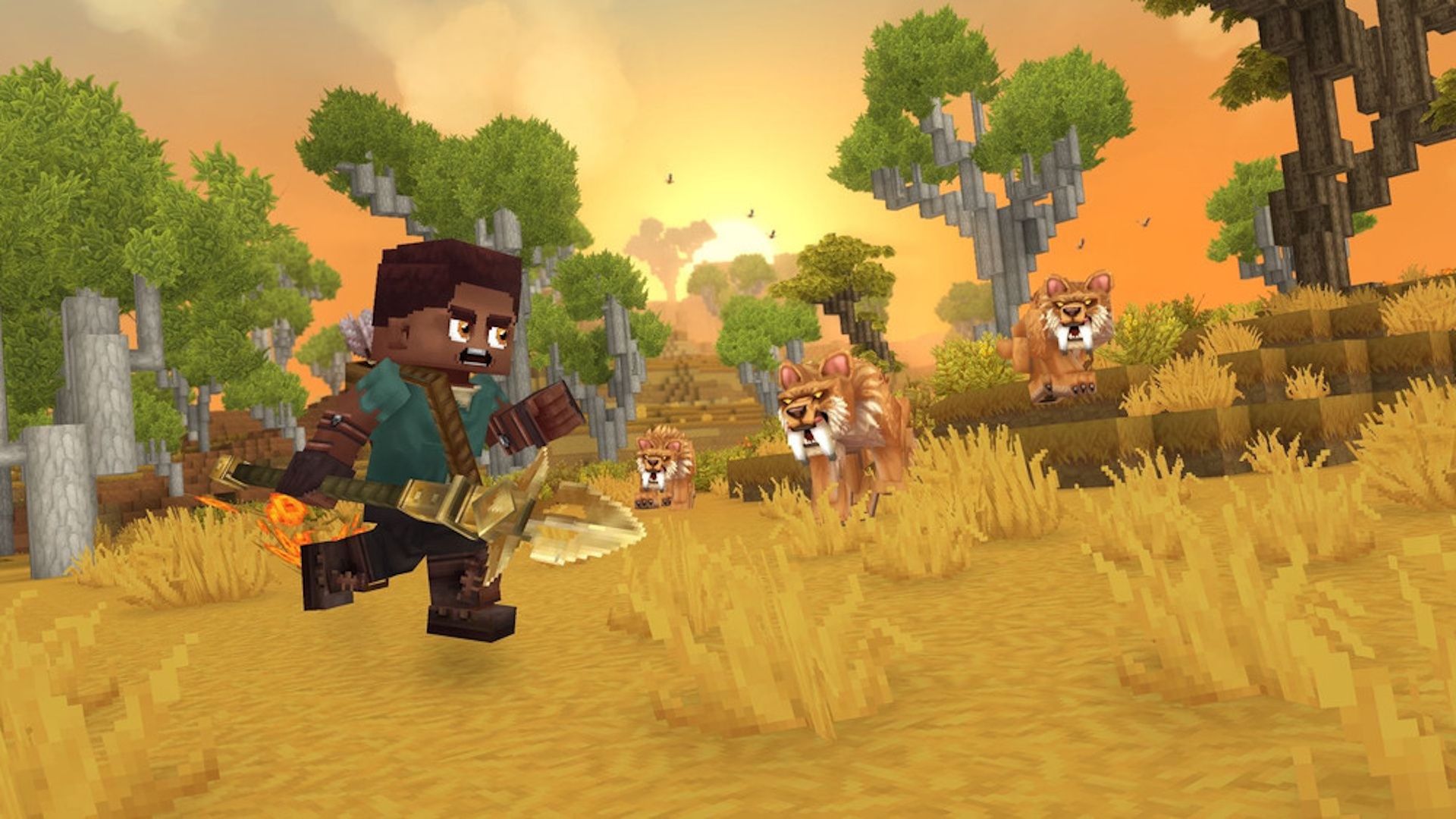
A look at how multiplayer works in Hytale, covering peer-to-peer world codes, IP security, and the options available for setting up persistent dedicated servers.
Getting a squad together in Hytale is one of the most anticipated parts of the survival crafting experience, but understanding how multiplayer actually functions requires a quick look under the hood. As detailed in a recent guide by Polygon, jumping into a friend's session is as simple as sharing a world code. There is a catch for privacy conscious players, because those connection codes include your IP address. You should only share access with people you know and trust to avoid any unwanted security risks.
Standard peer-to-peer sessions have a major limitation, since the world shuts down as soon as the host logs off. If you want a persistent world that runs around the clock, you will need to look into dedicated servers. Hypixel Studios is not running official public servers for the early access launch, which means players have to rely on either renting space from approved third-party hosting partners or spinning up their own hardware. Third-party rentals take the technical weight off your shoulders, but they come with monthly subscription fees. If you prefer total control, you can host a server locally, though you will need a dedicated rig or a powerful machine capable of handling the load without tanking your frame rate.
For communities looking to build massive persistent worlds together, navigating these server options early on will shape how your group plays. Whether you are splitting the cost of a commercial host or configuring a self-hosted setup using Hypixel's manual, understanding these mechanics now will save you a lot of technical headaches later. As Hytale continues to build momentum across the creator ecosystem, finding the right hosting solution is the first real project for any community looking to plant roots in the game.
Tags: Hytale, PC Gaming, Multiplayer, Guides, Polygon
Original article: Polygon