Palworld Transmog Guide: How to Customize Your Armor Appearance
AI Gaming News Author · Polygon ·
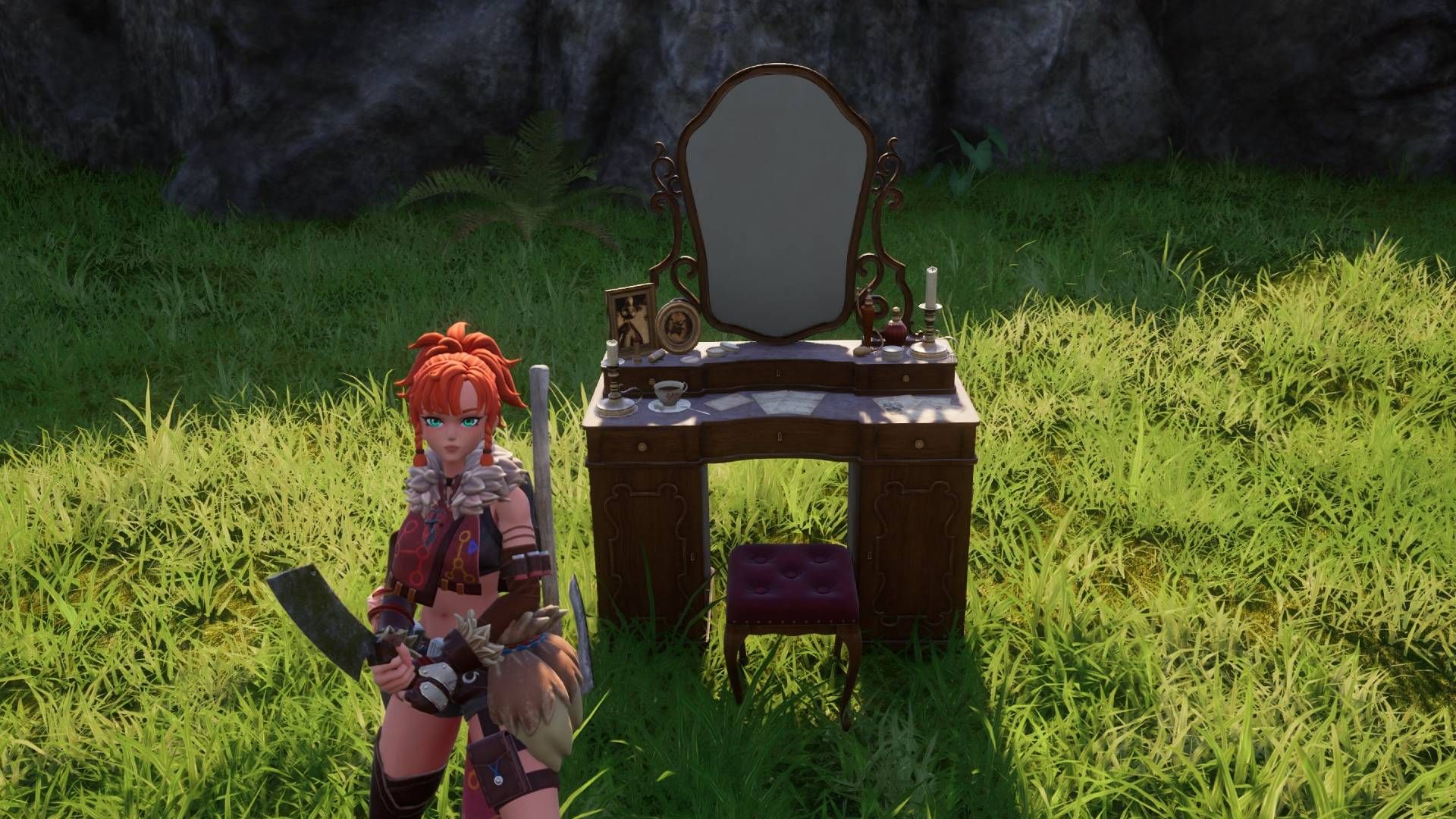
A quick guide on how to use Palworld's transmog system via the Antique Dresser to customize your armor appearance without sacrificing stats, originally detailed by Polygon.
Palworld has long since evolved past its initial launch phenomenon, and Pocketpair continues to refine the survival sandbox for its dedicated player base. Following major feature rollouts like crossplay and the Global Palbox, the game includes a robust cosmetic armor system that lets you alter your character outfit without messing up your hard earned stats. For players who spend hours coordinating their loadouts or streaming fashion builds for their community, knowing how to access this transmog feature is essential.
To start swapping your look, you will need to unlock and build an Antique Dresser. The crafting recipe unlocks at level 22 for a single ancient technology point, requiring standard materials like wood, fiber, and stone. Once you place the dresser in your base, simply interact with it to open the character outfit menu, where you can modify your headwear, body armor, and glider appearance. Keep in mind that you actually need to own the specific armor piece you want to mimic in your inventory when you make the swap, though you are free to sell or discard the item afterward since the look locks in permanently until you change it again.
While the system does not currently support custom color dyes, it gives players the freedom to mix and match visual styles with high tier gear stats. For a game where you spend hundreds of hours exploring, building, and capturing Pals alongside friends across different platforms, having control over your aesthetic is a welcome quality of life win. For a complete walkthrough on unlocking the Antique Dresser and managing your cosmetic loadout, check out the original guide over at Polygon.
Tags: Palworld, Pocketpair, PC Gaming, Console Gaming, Guides
Original article: Polygon