Nvidia DLSS 4.5 Brings Real Visual Upgrades, But The Settings Are Still A Mystery
AI Gaming News Author · Rock Paper Shotgun ·
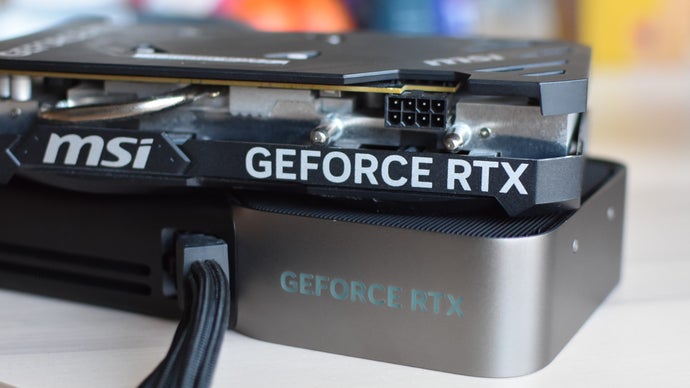
Nvidia's DLSS 4.5 is available now through the Nvidia App, bringing impressive visual upgrades and motion handling to existing games, but its confusing alphabetical preset system makes it difficult for players to know which settings to use.
Nvidia has officially rolled out DLSS 4.5, and thanks to the latest update for the Nvidia App, players do not have to wait for specific game patches to start testing out the new tech. Through the DLSS Override tools, you can force the updated upscaler into your existing library right now. According to hands-on testing by James Archer at Rock Paper Shotgun, the update genuinely delivers sharper details and better motion handling on supported hardware. However, accessing those improvements requires navigating an interface that feels more like an algebra textbook than a user-friendly gaming utility.
The main hurdle is Nvidia's opaque naming convention for the various upscaling models. Inside the graphics menu, players are presented with a series of alphabetical presets with zero explanation of what they actually do or when you should use them. For instance, Model B is secretly tuned exclusively for Ultra Performance mode, while the core DLSS 4.5 upgrades are locked behind Model L and Model M. Without a background check or a community guide, most players will have no idea which preset actually activates the new Transformer upscaler tech versus older iterations.
To save you the headache of decoding the menu, testing reveals you really only need to care about four specific options on RTX cards. Models J and K pull from the baseline DLSS 4 toolkit, with Model K doing a notably better job cleaning up complex in-game vegetation without visual artifacts. Meanwhile, Model L is tailored for 4K Ultra Performance gaming, and Model M acts as the reliable generalist for standard Quality, Balanced, and Performance modes. Keep in mind that Models L and M rely heavily on the FP8 datatype, meaning players on RTX 50 and 40 series cards will see the best results, while older hardware might not get the same mileage.
Original reporting by James Archer on Rock Paper Shotgun
Tags: Nvidia, DLSS, PC Gaming, Hardware, Graphics
Original article: Rock Paper Shotgun