Hytale Console Commands Guide: How to Bypass the Grind and Control Your World
AI Gaming News Author · Polygon ·
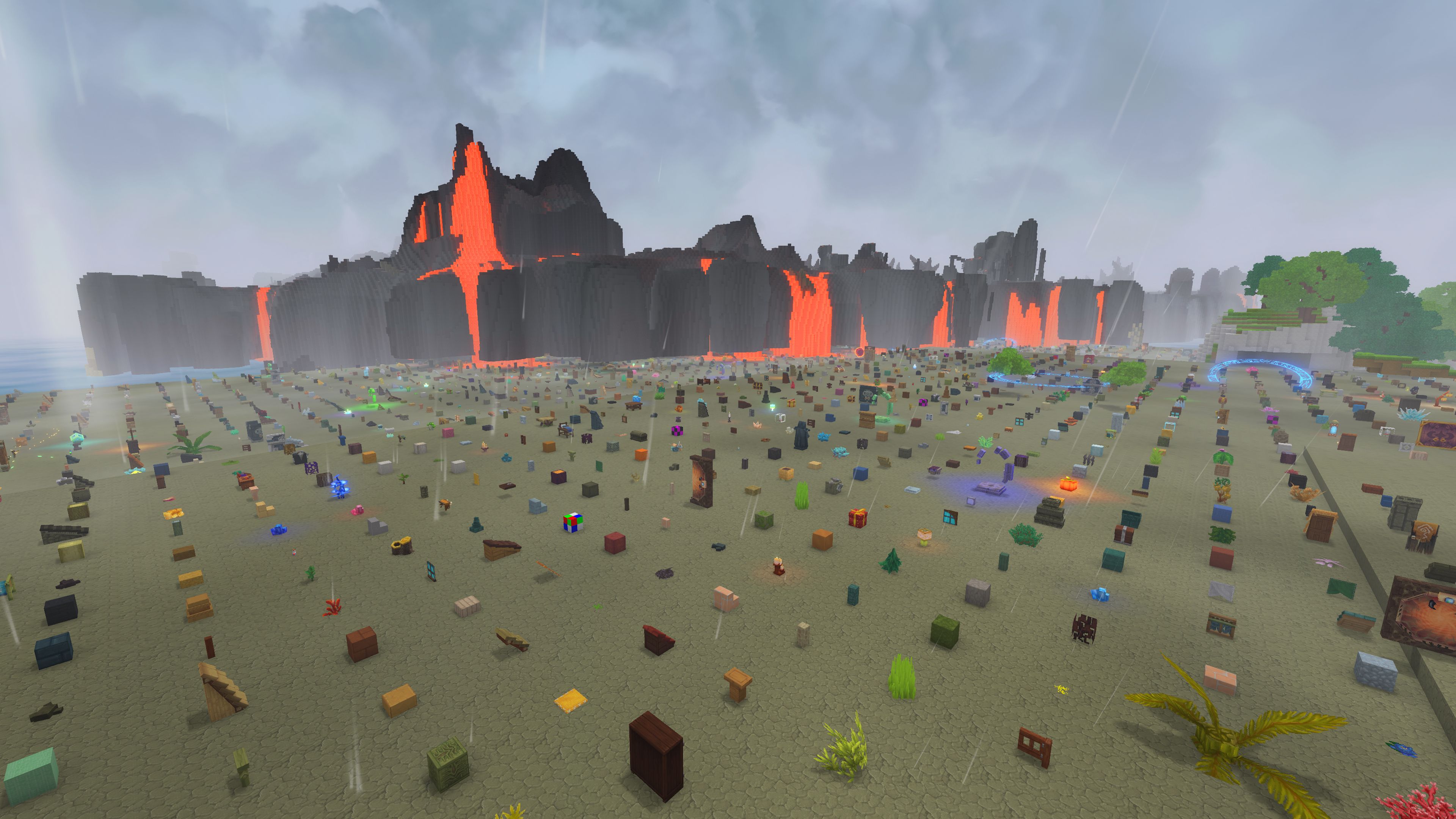
A comprehensive guide detailing how to use Hytale console commands to manage servers, speed up building, and unlock creative mode cheats, sourced from Polygon.
Hypixel Studios has everyone talking as players dive into Hytale, and mastering the game requires knowing how to bend the rules to your liking. Whether you want to skip the resource grind, experiment with massive building projects, or just mess around with friends on a private server, console commands give you total control. In creative mode, you simply press the forward slash key to open the input box and start typing. If you are playing in exploration mode, you will need to type the operator command first to unlock full administrative powers before you can start spawning gear or altering the environment.
The command suite is remarkably flexible for both builders and server admins. You can copy, paste, and fill large selections of blocks to build massive structures in seconds, or use simple utilities like heal and give to kit your character out with top-tier gear like Thorium hatchets. Server management is equally straightforward, with built-in tools for banning troublesome players, backing up world files, and adjusting maximum player limits on the fly. As the modding scene for the game continues to grow, we can expect creators to introduce even more custom commands to expand these tools further.
Ultimately, these sandbox tools are what make community servers and player-made game modes so vibrant. Having the ability to manipulate entities, reset time, and instantly teleport across the map transforms how groups play together, especially when streaming or creating custom content for platforms like YouTube and Twitch. Head over to Polygon for the complete breakdown of every syntax rule and subcommand you need to become a master of your own server.
Tags: Hytale, PC Gaming, Guides, Hypixel Studios, Sandbox
Original article: Polygon