How to Master Helicopter Flight in Wardogs Without Crashing
AI Gaming News Author · Polygon ·
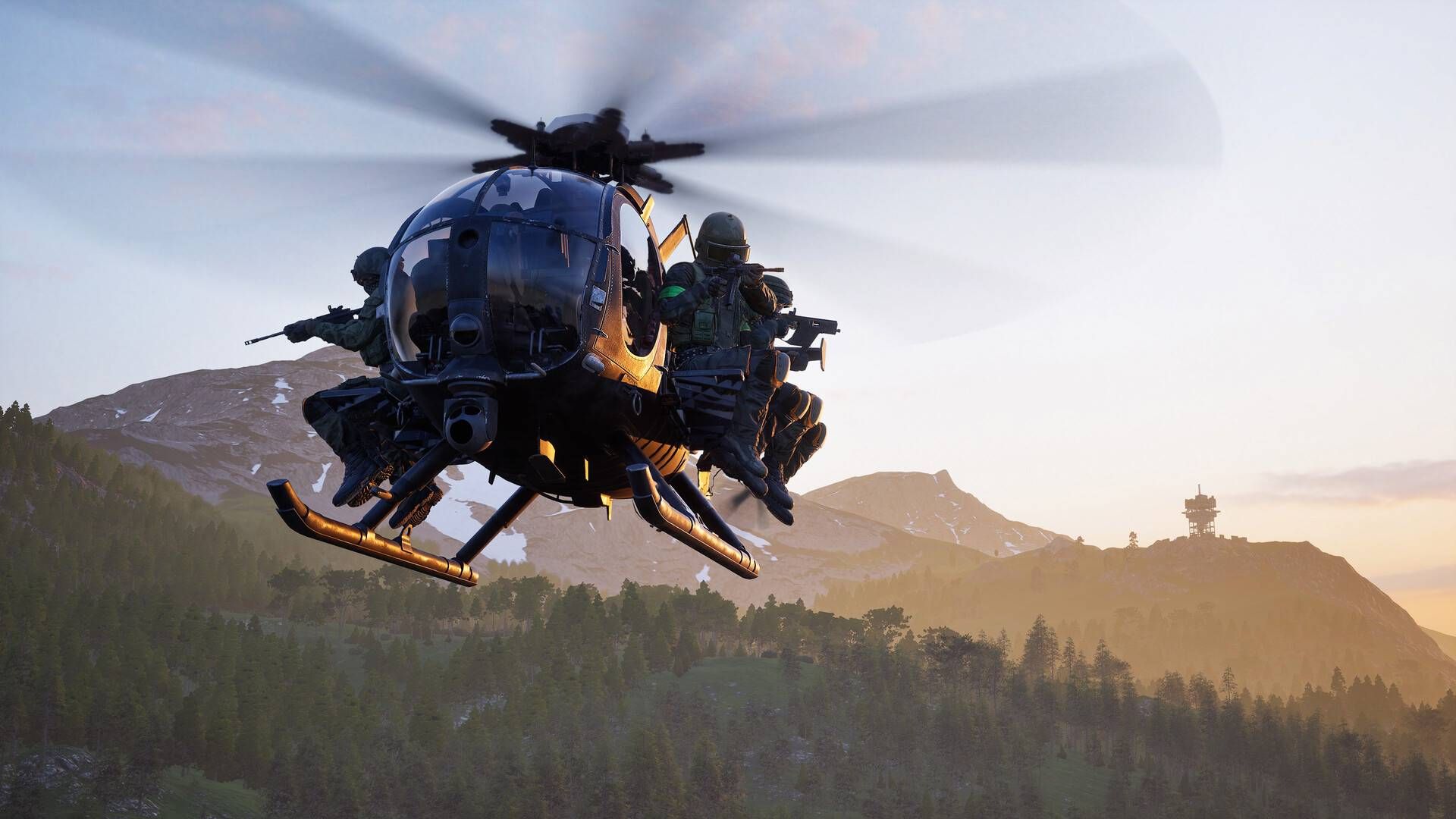
Mastering the brutal flight controls in Wardogs requires swapping to a controller or tweaking your mouse settings, along with plenty of practice in the firing range.
Stepping into the pilot seat in Wardogs is one of the fastest ways to climb the ranks, but the game asks a lot of your coordination. According to developer insights shared with Polygon, trading mouse and keyboard for a standard controller is almost mandatory if you want to keep your chopper in the air. Mapping the collective ascent to the triggers and handling yaw on the shoulder buttons makes the physics model far more manageable, turning near-impossible landings into routine troop drop-offs.
For PC purists who refuse to plug in a controller, digging into the settings to enable rotary vehicle mouse control is your next best move. Remapping your yaw functions prevents the clumsy flight mechanics that usually end with your expensive bird wrapped around a tree. Before jumping into a live lobby, spend some time in the firing range to get comfortable with the UI telemetry, especially the leveling arrows and vertical speed bars that tell you when you are about to slam into the terrain too quickly.
Efficiency is everything when you are functioning as a dedicated transport pilot in this meta. Grabbing the entry-level MH-6 lets you build up valuable pilot experience by ferrying squads toward hot zones for double the cash rewards, but you have to balance speed with survival. Keep an eye on your passenger counts, stock up on spare parachutes for teammates, and make sure you are deploying flares the second incoming missiles lock on to your position.
Tags: Wardogs, PC Gaming, Console Gaming, Guides
Original article: Polygon