How to Get More Inventory Space and Unlock Bag Upgrades in Pokémon Pokopia
AI Gaming News Author · Polygon ·
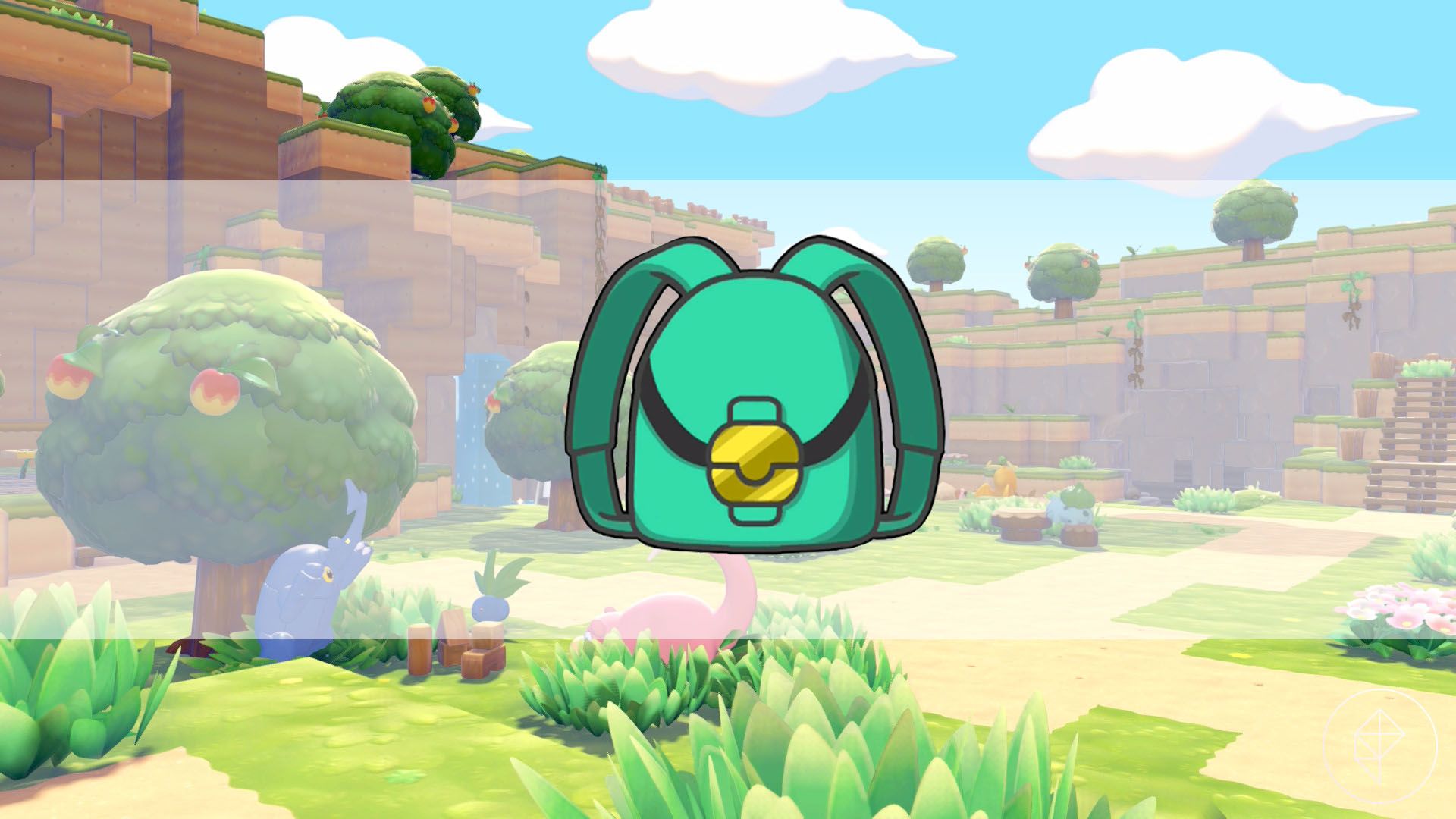
A quick guide on how to unlock inventory bag upgrades in Pokémon Pokopia by purchasing Packing Tips from the PC shop, expanding your carrying capacity to 120 slots.
Inventory management is always the ultimate boss fight in crafting and exploration games, and Pokémon Pokopia is no exception. As you build habitats and gather materials to help your Pokémon companions, your bag fills up fast with everything from stones and leaves to food stocks. While storage chests are a solid temporary fix for your base, expanding your personal carrying capacity is the real key to smooth progression. Fortunately, clearing up space for your adventures is straightforward once you know where to look.
According to a detailed guide by Paulo Kawanishi over at Polygon, unlocking bag upgrades requires purchasing Packing Tips through the in-game PC shop. There are four distinct tiers available, and they unlock progressively as you raise the Environment Level of your main areas during the campaign. Each upgrade can be purchased once, and picking up all four tiers will ultimately net you a massive 120 slots spread across four convenient pages of 30 slots each.
The progression starts early in the Withered Wasteland. Once you hit Environment Level 1 in that zone, the first upgrade becomes available for a modest 100 gold, adding a crucial extra row to your inventory. As you push deeper into subsequent areas like Rocky Ridges and Bleak Beach, higher tiers unlock to support your growing material collection. Keeping an eye on your Environment Level and saving up your gold early on will save you plenty of frustrating trips back to base as your island building ramps up.
Tags: Pokémon Pokopia, Polygon, Gaming Guides, Nintendo, Inventory Upgrades
Original article: Polygon