How to Expand Your Living Space and Unlock More Home Plots in Heartopia
AI Gaming News Author · Polygon ·
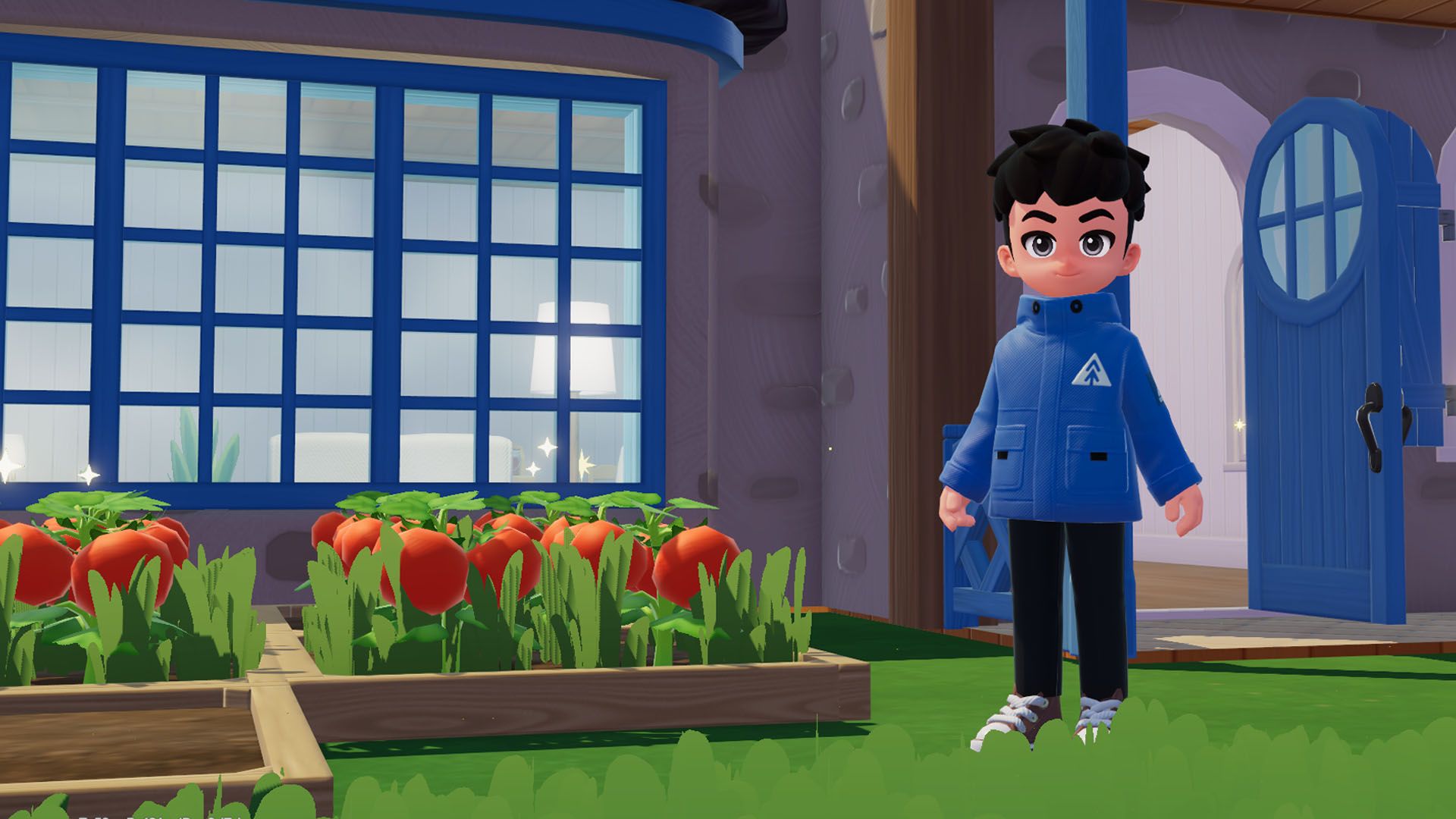
Learn how to expand your building space in Heartopia by leveling up your D.G. Member rank, completing daily requests, and spending gold to unlock new home plots.
If you have been spending your time crafting and decorating in Heartopia, you probably noticed that you run out of building space rather quickly. Home plots are the core of the experience because they dictate how much room you have for larger structures, expanded rooms, and expansive crop farming areas. You start out with just a couple of slots, but scaling up requires a mix of daily progression and in-game currency.
Expanding your territory is tied directly to your D.G. Member level. As you knock out daily requests, you earn Contribution Medals that feed into your rank within the D.G. Member's Guild app found in your in-game watch menu. Because daily requests are capped, you cannot rush this process overnight, so consistency is key. Once you hit the required rank milestones, you can head into the app to claim your rewards and push your progression forward.
Actually claiming and building on your new land requires a couple of extra steps. You need to open the Plot Management screen through the watch menu or by pressing E on PC, where you can inspect your available space and requirements. When a plot is ready, its lock will shake, and you can spend earned gold to finalize the purchase. Prices scale up sharply as you expand, starting at a modest 100 gold for your first major expansion before jumping to thousands for later plots, so manage your funds carefully as detailed in the original guide by Polygon.
Tags: Heartopia, Polygon, Gaming Guides, PC Gaming, Crafting Games
Original article: Polygon