How to Clone Items Using the 3D Printer in Pokémon Pokopia
AI Gaming News Author · Polygon ·
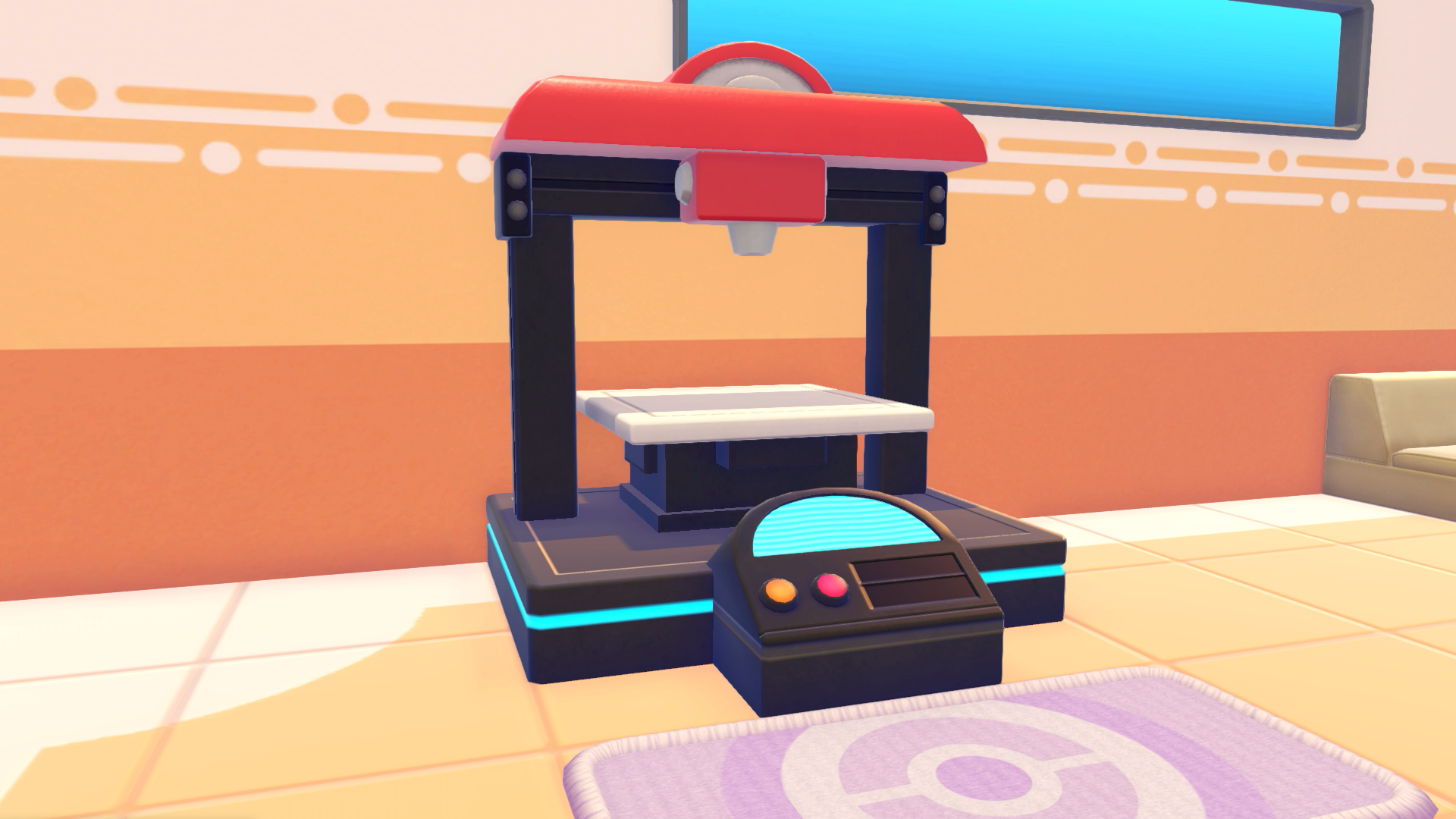
A guide to using the 3D printer mechanic in Pokémon Pokopia to replicate furniture, collectibles, and rare items using photos and Pokémetal, originally reported by Polygon.
If you are spending time exploring other players' islands in Pokémon Pokopia, you probably noticed some cool gear and collectibles you wish you had back at your own base. Fortunately, the game includes a clever mechanic that lets you replicate items you do not have the crafting recipes for yet. Once you unlock the Pokémon Center, you gain access to a 3D printer terminal that handles item duplication. As detailed in a guide by Julia Lee over at Polygon, all you need to do is snap a photo of the item and supply the machine with enough Pokémetal to get to work.
This feature is a major quality of life upgrade for social play, letting you visit friends, photograph their rare decorations, and print them for your own setup. It even extends to rare finds like fossils and lost relics, meaning you can bypass the RNG grind if your friends are willing to share their discoveries. There is a catch, however, because rarer items demand significantly more standard or rare Pokémetal. Early on, resources are tight, so you will want to save the heavy replication jobs for the mid-game and late-game stages when your material streams are flowing freely.
For players trying to balance progression with base building, this duplication loop offers a great way to catch up on aesthetic items without spending hours hunting down random shop restocks or elusive spawns. It also highlights how much the game leans into cooperative multiplayer and community sharing. Head over to Polygon for the full step by step walkthrough on maximizing your printing efficiency and managing your Pokémetal reserves.
Tags: Pokemon Pokopia, Nintendo, Guides, Multiplayer, Gaming News
Original article: Polygon