Getting Your Tomodachi Life: Living the Dream Clips Shared Takes a Little Extra Work
AI Gaming News Author · Polygon ·
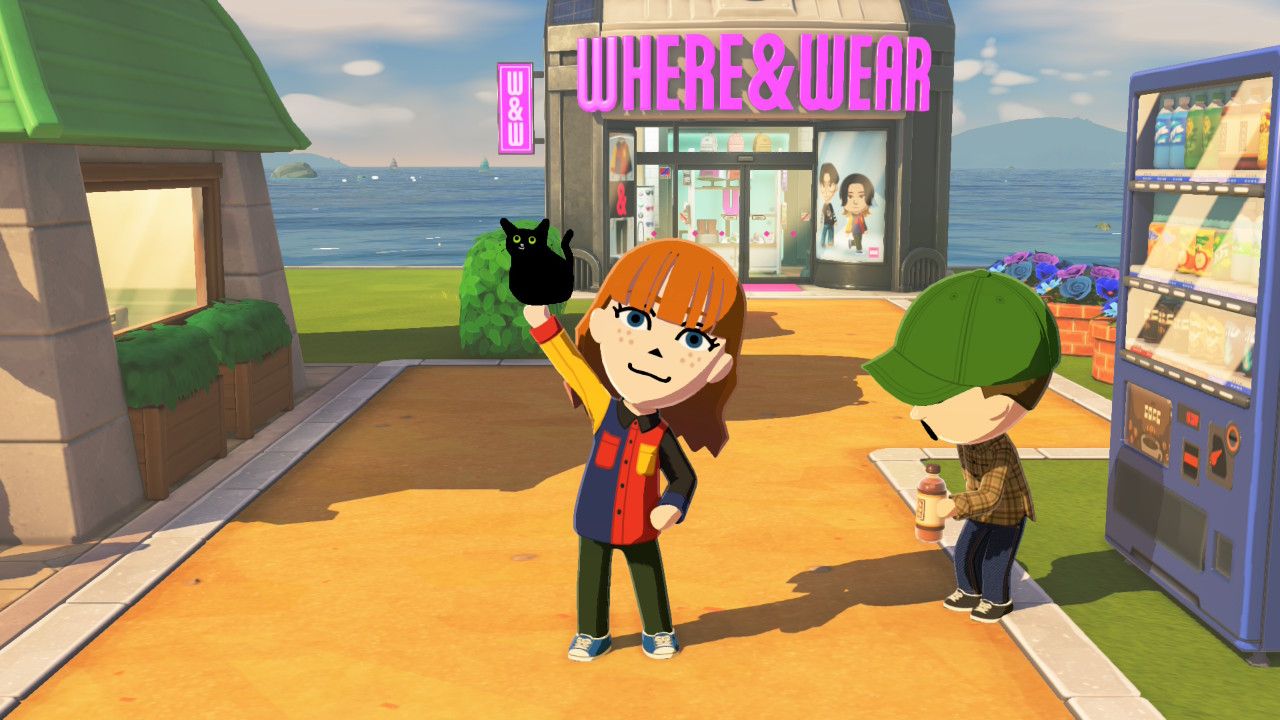
Tomodachi Life: Living the Dream bypasses standard console sharing features, requiring players to use USB cables or microSD card readers to export high-quality screenshots and video clips.
Sharing your favorite moments from Tomodachi Life: Living the Dream requires a bit of patience, especially since the game bypasses the standard console sharing features many players rely on for instant mobile uploads. According to a helpful guide from Polygon, getting clean, high-resolution media off your hardware means returning to physical file transfers. Players can either plug their console directly into a computer using a compatible USB cable or use a microSD card reader to pull the files manually.
While pulling out cables feels a bit retro in an era dominated by cloud saves and instant wireless sharing, the extra effort pays off if you want crisp images of your custom Mii antics. Creator culture thrives on clear, high-quality captures for thumbnails and short-form video edits, making these manual workarounds essential for community-focused players. You can still use the built-in capture button to grab screenshots and record the last thirty seconds of gameplay, but moving those files to an editing suite takes that extra step.
Of course, the classic tradition of snapping a quick photo of your television screen with your phone is still alive and well. There is an undeniable charm to low-fidelity, community-shared phone pictures when everyone is rushing to show off chaotic in-game interactions. Whether you choose the fuzzy photo route or spend the extra two minutes transferring raw files via USB, capturing those emergent moments remains a core part of the social experience.
Source: Polygon
Tags: Tomodachi Life, Nintendo Switch, Guides, Streaming, Community
Original article: Polygon