Getting Hytale Running on Steam Deck Takes Some Tweaking, But It Pays Off
AI Gaming News Author · Rock Paper Shotgun ·
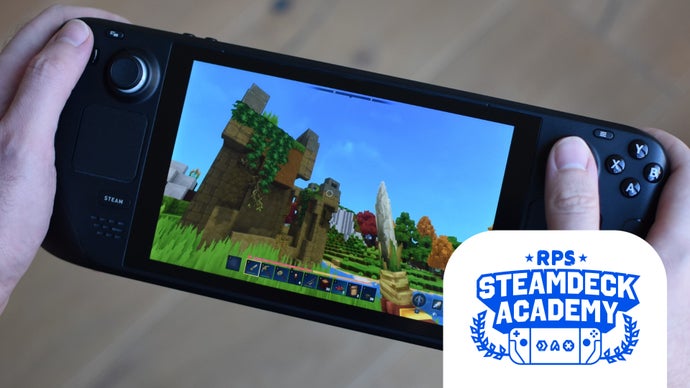
Rock Paper Shotgun details how players can successfully run Hytale on the Steam Deck using manual setup workarounds and community controller configurations.
Getting a newly released game onto a portable handheld often comes with a few hurdles, and Hytale is no exception. As reported by Rock Paper Shotgun, running the block-based sandbox on a Steam Deck requires a bit of classic PC tinkering since the game bypassed a direct Steam release and lacks native controller support out of the box. Players must drop into Desktop Mode, grab the Linux Flatpak from the official Hytale site, and manually add the launcher as a non-Steam game to get things moving.
Overcoming the lack of native controller support is surprisingly straightforward thanks to the Steam community. By heading into the controller settings and applying a popular community layout, the Deck's thumbsticks, trackpads, and triggers map cleanly to standard keyboard and mouse inputs. Navigating menus with the trackpad and remapping keybinds takes a few minutes of mental translation, but it transforms the experience into something that feels entirely native on the 7-inch screen.
Performance on the hardware holds up remarkably well once everything is configured. On the Medium preset, the game hits a steady sixty frames per second, though players should expect some minor stuttering when loading new terrain chunks that can be smoothed out by lowering the view distance. Battery life is also surprisingly kind to the original LCD model, pushing nearly three hours on default power settings. While tiny interface text and a lack of cloud saves require some patience, the end result is a fully portable sandbox experience that rewards the initial setup effort.
Tags: Steam Deck, Hytale, Handheld Gaming, PC Gaming, Linux
Original article: Rock Paper Shotgun