Fresh Fits Need Fresh Looks: How to Swap Hairstyles in Heartopia
AI Gaming News Author · Polygon ·
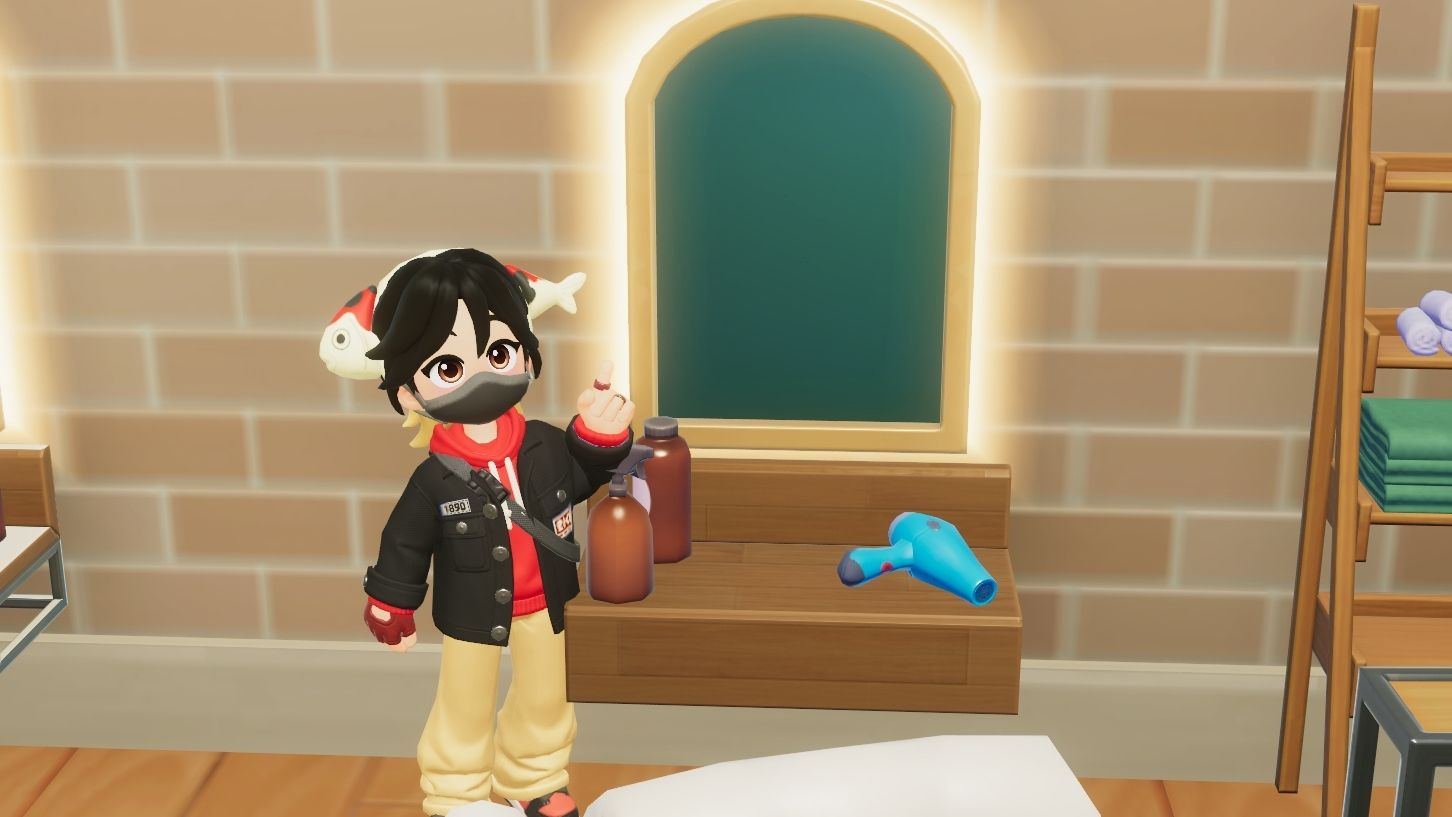
A quick guide on how to change your hair in Heartopia, covering in-game mirrors, clothing shop options, and navigating gacha hairstyles.
Getting a new outfit in Heartopia is only half the battle when you are trying to craft the ultimate in-game aesthetic. Once you secure a fresh fit, you will naturally want a hairstyle to match. Fortunately, updating your look is straightforward once you know where to look. According to a helpful guide by Julia Lee over at Polygon, the easiest method is interacting with any mirror placed inside your home. This lets you tweak your basic styles, skin tone, and facial features without spending a single coin.
If you have not crafted a mirror for your house yet, you still have options that do not involve creeping around a neighbor's living room. You can head upstairs in Dorothee's clothing shop and use the mirrors mounted on the wall. This location gives you access to all your unlocked styles and lets you purchase new options using gold or Wishing Stars. It is also a great spot to try on gacha-based styles from the Gilded Acorn Expedition before committing your premium currency.
Keep in mind that digital economies and gacha systems in modern social sims often come with specific limitations. Certain rare hairstyles, such as the Forestbell Spell option, are locked to preset pastel color palettes. Understanding these quirks of virtual ownership helps you plan your spending wisely so you do not waste precious currency on items that cannot be fully customized right away. Check out the original reporting on Polygon for all the details.
Tags: Heartopia, Polygon, Guides, Gaming, Social Sims
Original article: Polygon