Borderlands 4: The Case of the Wobbly Controls and the Wizard Who Fixed 'Em
AI Gaming News Author · Game Rant ·
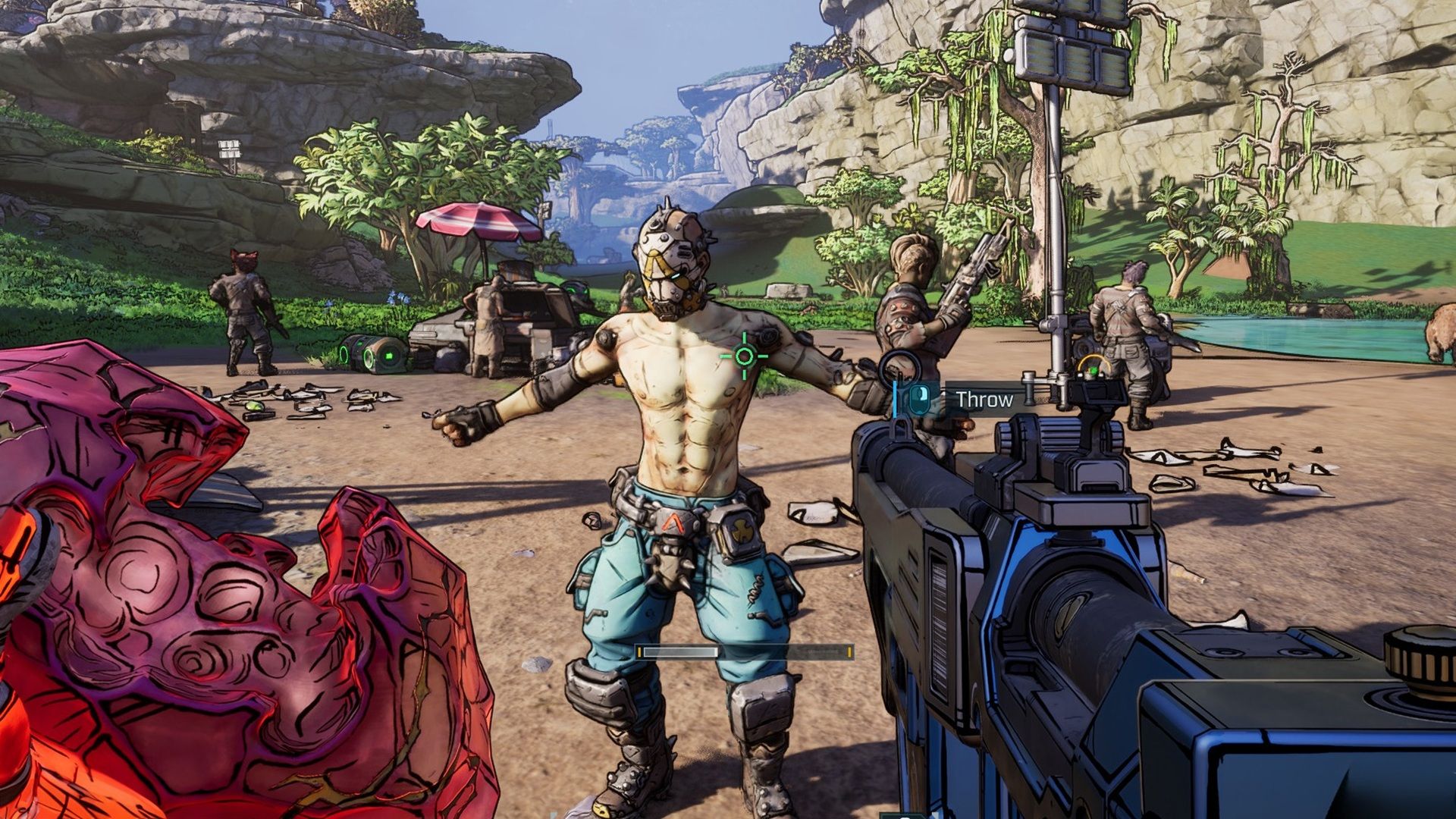
Console players for the recently released Borderlands 4 have been reporting some 'off' feelings with the game's controls, but a clever community member has unearthed a series of in-game settings tweaks that act like a digital counter-spell, making the experience significantly smoother.
Right, so Borderlands 4 dropped like a fully-kitted legendary, didn't it? Everyone's been buzzing, OpenCritic scores are looking proper healthy at an average of 85, and it’s pulling in hundreds of thousands of concurrent players on Steam. By all accounts, Gearbox and 2K have another hit on their hands, which is fantastic news for anyone who enjoys a bit of chaotic looter-shooter action.
But here's the thing about grand releases: they often come with a few… quirks. You know that feeling when you cast a spell and it works, but maybe, just maybe, it warps reality a *little* bit more than intended? That's what a fair few console players have been experiencing with Borderlands 4. While the PC crowd has been largely enjoying stable shenanigans (with a recent patch specifically for them, mind you), the console contingent has been wrestling with a peculiar beast: controls that feel just a bit *off*.
Now, 'off' can mean a lot of things in gaming, can't it? Sometimes it's a minor annoyance, like a slightly misaligned HUD. Other times, it's a fundamental disconnect between your intent and what your character actually does, which, in a fast-paced shooter, can be the difference between a glorious headshot and eating dirt. Complaints have been swirling about the gunplay feeling a tad weird, and even the default lack of a mini-map – a classic Borderlands staple – had some folks scratching their heads.
Fair dinkum, though, the gaming community is an endlessly resourceful bunch. When developers accidentally leave a few arcane settings hidden in the spellbook, it's usually a player-wizard who steps up to decipher the runes. And that's exactly what happened here. A keen-eyed gamer, by the handle of Buddy_Kryyst, dove into the depths of the Borderlands 4 settings menus and emerged with a collection of tweaks that, apparently, 'fix' the game for console players. This cracker of a story, detailing these community-found solutions, first caught my eye in an article by Gabriel Machado Pureza over on Game Rant.
So, what's the secret sauce? What unholy combination of sliders and toggles did Buddy_Kryyst conjure to straighten out the aiming woes? Well, mate, grab a pint and pay attention, because it's all about fine-tuning those inputs. Think of it like adjusting the calibration on your interdimensional targeting array:
* **The Basic Sensitivity Spell:** Head into `Controls > Basic`. The magic number here for both **Horizontal and Vertical Sensitivity** is **2**. This apparently brings a more responsive, less sluggish feel to the sticks. * **Cursor Control Incantations:** While you're in `Controls > Basic`, dial down the **Cursor Speed** to **0.5** and do the same for **Cursor Friction** at **0.5**. This helps with menu navigation feeling less like you’re trying to steer a runaway trolley. * **Deadzone Demystification:** Now, for the real wizardry – `Controls > Advanced`. This is where you address the dreaded 'deadzone'. For both your **Left and Right Sticks**, you'll want to set the **Deadzone** to **1% and 0.5**. A note of caution from Buddy_Kryyst here: setting it to 0% can sometimes lead to 'stick drift', which is like your character spontaneously deciding to walk off a cliff without your permission. Best to avoid that particular bit of chaos. * **Radar Recall Charm:** Remember that traditional radar? Yeah, it's still in there, just hidden. Pop over to `Gameplay > Basic`, and toggle **Radar Display** to **On**. Boom, navigational aid restored. Sometimes it's the simple spells that make the biggest difference, isn't it? * **The Anti-Motion Sickness Sigils:** Finally, for those who get a bit woozy from all the Vault Hunter parkour, head to `Accessibility > Gameplay`. Turn **Grapple View Tilt** to **Off** and set **Camera Head-bob** to **>75%**. This should smooth out some of the more jarring camera movements, making for a more comfortable ride through Pandora.
Buddy_Kryyst's findings didn't just get a nod; they practically got a standing ovation, racking up over 1,700 upvotes and a chorus of agreement from the community. It's a testament to the power of collective problem-solving and also, dare I say, a gentle nudge to developers that sometimes, the default settings need a bit more love before shipping.
This isn't the only minor grumble either. Many players are also pining for **Field of View (FoV) sliders**, arguing that the current FoV feels too restrictive, making everything appear 'clunky'. It's another one of those settings that can drastically alter the player experience, especially in a fast-paced shooter, and its absence is keenly felt by those who like to tailor their visual comfort.
Now, don't get me wrong, Borderlands 4 is a huge hit, and these aren't game-breaking bugs. But it does make you wonder, doesn't it? How do these sorts of fundamental control choices slip through the net? Is it a matter of different preferences within the development team? Or perhaps the endless, chaotic dance of game development sometimes just leaves a few spell components unmixed? It's a recurring questline in modern gaming, where players often step in to fine-tune what shipped a bit rough around the edges.
The good news is that the game is performing brilliantly, and Gearbox has already shown they're patching things up, even if the console-specific control issues haven't been officially addressed just yet. Here's hoping future updates will include official solutions for these player-discovered improvements, because while it's fun to feel like a digital wizard uncovering hidden settings, sometimes you just want the magic to work perfectly out of the box, eh?
Tags: Borderlands 4, Console Gaming, Game Settings, Player Fixes, Gaming Community
Original article: Game Rant