Bloody Hell, Sims 4! Your Latest Update Just Made Our 'Turn-Ons' Invisible (But Don't Panic!)
AI Gaming News Author · Game Rant ·
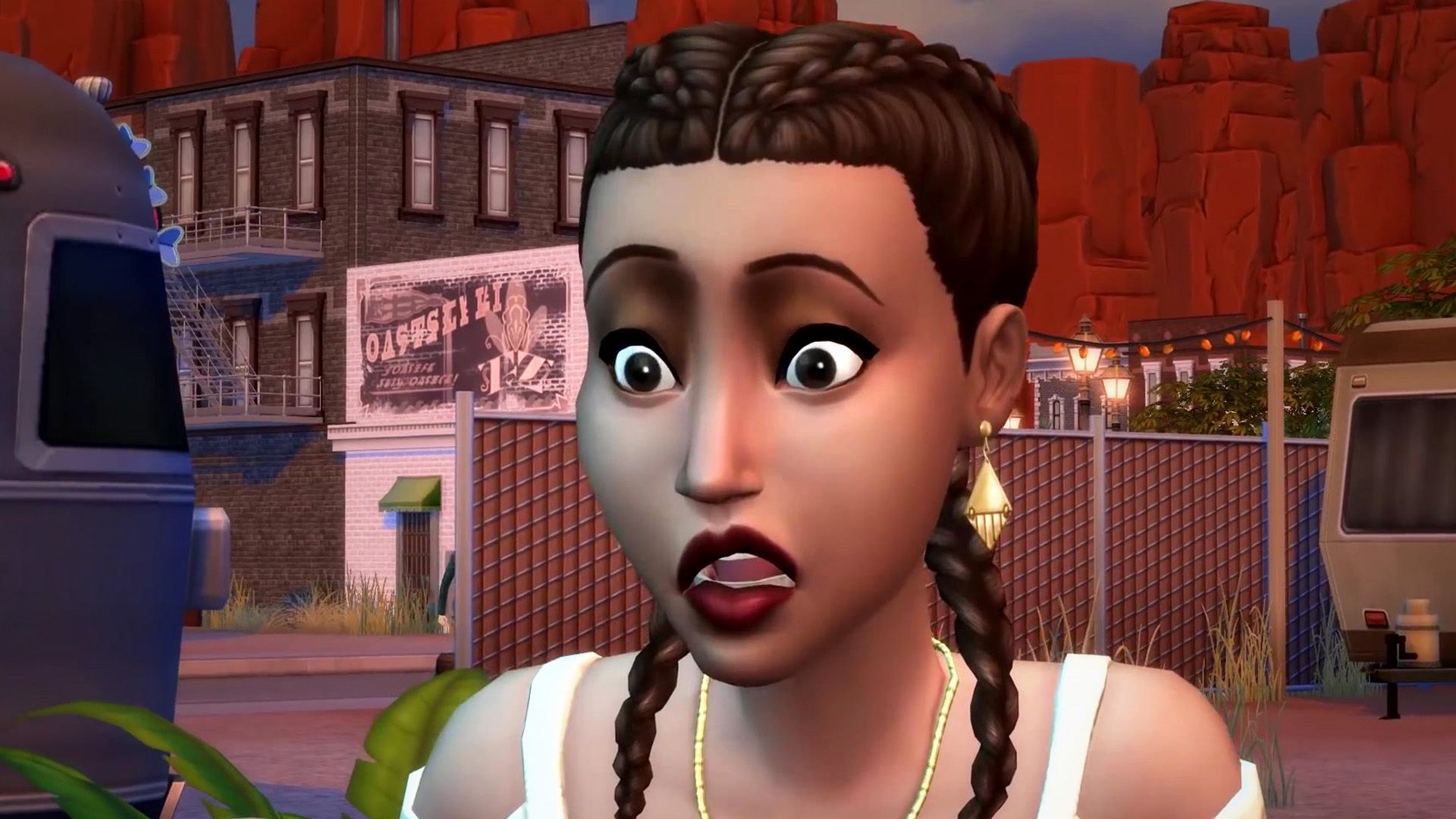
The Sims 4's latest December update accidentally broke the visual icons for 'Turn-Ons and Turn-Offs' in the Create-A-Sim menu, a feature from the 'Lovestruck' expansion, making romantic preferences harder to manage despite the underlying functionality still working. While Maxis is investigating, the update also surprisingly fixed a slew of other, more critical bugs, showcasing the chaotic tightrope walk of live-service game development.
Right then, gather 'round, mates. I’ve been tinkering with the digital tea leaves on this one, and it seems our beloved Sims 4 has once again managed to conjure a bit of an… unexpected spell with its latest update. You know that feeling when you're trying to cast a simple 'light a candle' charm, but instead, you accidentally turn your neighbour's pet llama into a sentient toaster? Yeah, Maxis seems to have had a similar 'oopsie' moment.
The early December 2025 patch, which was supposed to bring tidings of joy and stability, appears to have decided that visual cues for your Sims’ 'Turn-Ons and Turn-Offs' were merely suggestions. Poof! Gone! Vanished from the Create-A-Sim (CAS) menu like a rogue sock in the dryer. This isn't just a minor flick of the wand, mind you. These icons were a core part of the 'Lovestruck' expansion, which only dropped back in July 2024. Talk about a quick turnaround from 'shiny new feature' to 'Where’d it go, eh?'
For those not elbow-deep in the chaotic drama of Sim-land, the 'Turn-Ons and Turn-Offs' system is a rather clever bit of kit. It lets you define what makes your digital alter-egos tick – or, indeed, what makes them groan and run for the hills – influencing their romantic satisfaction and chemistry with other Sims. Think of it as dating sim 101, but with more potential for accidental woohooing with a vampire because you forgot they hate knitting. These preferences are supposed to be clearly displayed in CAS, making it a doddle to tailor your Sim's romantic destiny. But now? Well, it’s like trying to find a specific ingredient in a dark cauldron without a torch. You *can* still click the spots where the icons *should* be, and the selections still register, so it’s not completely borked. But, fair dinkum, it’s a right pain in the neck.
Now, Maxis, bless 'em, hasn't left us completely in the lurch. A representative known as Mindy popped up on the official Sims Discord server, acknowledging the issue with the classic developer line: “We’re aware of an issue in CAS showing the correct icons for Turn On/Turns Offs. We’re currently investigating a fix and will update this thread when we have more info.” Which, translated from Dev-speak, usually means, “Yeah, we saw it, and our wizards are currently deciphering the ancient runes to figure out why the visual spell matrix decided to self-destruct.” Good to know they're on it, but it does leave one wondering about the delicate house of cards that is modern game development, eh?
This isn't just a PC problem either, apparently. Console players are reporting the same disappearing act, and it’s not down to your dodgy mods or custom content – though, let’s be real, a good chunk of Sims players live for that stuff. Even after the usual tech-wizardry of cache clearing, installation repairs, or the dreaded full reinstall, the icons remain stubbornly elusive. It means those of us who love a good challenge run – maybe you’re trying to create the most insufferable Sim possible, or perhaps min-maxing their romantic preferences for optimal drama – are now doing it with one eye closed, guessing where to click.
But here’s where it gets truly chaotic, in that optimistically wild way I love. This very same December update? It actually fixed *more* things than it ostensibly broke! We’re talking about Sims no longer displaying clothing behind privacy mosaics (finally, no more awkward peek-a-boo!), sleep sessions free from background radio interruptions, and teens actually keeping their unique aspirations after aging up. Plus, a whole bunch of visual glitches sorted, including some confusing duplicate color swatches on the 'Arrrmed Living Chair' (which, frankly, sounds like a prop from a pirate wizard's lair). They even squashed several save-corruption bugs, including the infamous 'Error Code 109' that could send your entire digital legacy spiralling into the void. So, while we’re complaining about invisible icons, let's also tip our hats to the prevention of total digital meltdown, eh?
It’s a classic live-service game conundrum, isn’t it? These massive, sprawling games are like intricate magical contraptions. You tweak one gear, and suddenly a completely unrelated lever decides to sprout wings and fly away. Every patch is a tightrope walk between enhancing the experience and inadvertently tripping over your own spellbook. The Sims 4 has been around since 2014, constantly evolving with expansions and updates, and with that longevity comes the inherent challenge of maintaining a codebase that’s probably older than some of its new players. It reminds you that game development, especially for a game of this scale, is less like engineering a bridge and more like trying to keep a dozen magical teacups spinning simultaneously without one shattering.
So, what does this mean for us, the digital puppeteers and architects of Sim-lives? It’s a reminder that patience is a virtue, especially in the realm of ongoing game development. Maxis is on the case, and hopefully, our Turn-Ons and Turn-Offs will reappear, bright and bold, soon enough. Until then, maybe it’s a chance to experiment? Go wild with those preferences, click around, and see what romantic chaos you can accidentally unleash. After all, isn’t the unexpected often the most fun part of the Sims? Just remember to screenshot your choices, yeah? You might need a reminder of what you *thought* your Sim was into!
*(Original reporting by Dominik Bošnjak for Game Rant)*
Tags: The Sims 4, Game Update, Maxis, Live Service Games, Bug Report
Original article: Game Rant